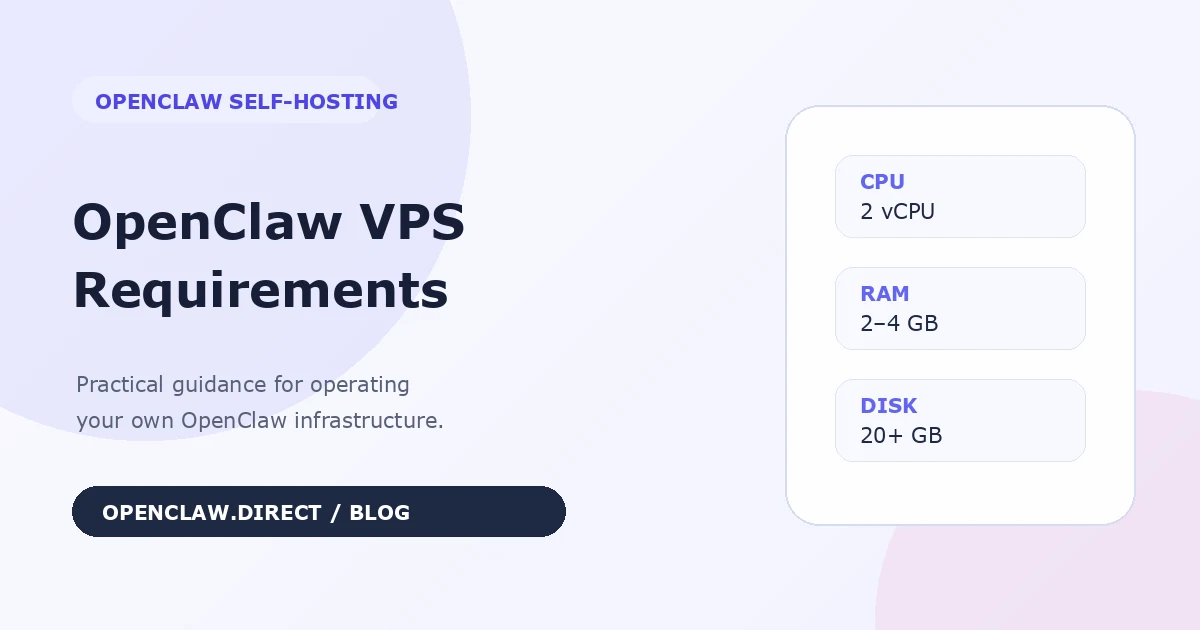
OpenClaw does not need a large server when the language model runs at an external provider. The official absolute minimum is one CPU core, 1 GB of RAM, 500 MB of free disk, and a 64-bit operating system. That is a floor, not a comfortable target for every workload. A practical VPS must also absorb updates, logs, browser sessions, tools, temporary files, and short bursts of concurrent work.
This guide translates the upstream minimum into workload-based starting points. It focuses on the OpenClaw Gateway and tools, not local model inference. If you plan to run a model on the same machine, size the GPU, memory, and storage for that model separately.
What Are the Official Minimum OpenClaw Requirements?
OpenClaw’s first-run documentation lists an absolute minimum of 1 GB RAM, one CPU core, 500 MB free disk, and a 64-bit operating system. It also describes 1 GB as tight and points to 2 GB or more as a better fit on small devices. A modern Debian or Ubuntu server is the most common VPS path.
The minimum tells you whether OpenClaw can start. It does not reserve capacity for operating-system updates, container image extraction, browser processes, large workspaces, or several tools running at once. Production sizing should include that headroom.
| Resource | Documented floor | Practical basic starting point |
|---|---|---|
| CPU | 1 core | 1–2 shared vCPU |
| Memory | 1 GB | 2 GB |
| Free disk | 500 MB | 20 GB or more total disk, depending on tools and retention |
| Architecture | 64-bit | x86-64 or supported ARM64 |
| GPU | Not required for a hosted model | None unless you run a local model or GPU-dependent tool |
The practical disk figure is planning guidance, not an OpenClaw guarantee. Actual use depends on workspaces, media, logs, browser data, plugins, container images, and how long you retain generated files.
How Much RAM Does an OpenClaw VPS Need?
RAM is usually the first constraint on a small VPS. The Gateway may be lightweight, but tools launched by the agent can create short-lived processes that need far more memory than an idle Gateway.
- 1 GB: a constrained test or light personal setup. Add swap, avoid building large images on the host, and expect less room for browser or media tools.
- 2 GB: a practical starting point for one basic always-on Gateway using hosted models and a modest set of channels and tools.
- 4 GB: a safer starting point for browser automation, several integrations, more substantial workspaces, or overlapping scheduled jobs.
- 8 GB and above: consider this for heavier browser use, media processing, multiple isolated environments, large builds, or several concurrent tasks.
These are workload bands, not user-count guarantees. One person can launch a memory-heavy browser workflow, while several quiet chat users may consume little. Watch available memory, swap activity, out-of-memory events, process restarts, and task latency.
Useful rule: size for the heaviest tool chain that can run concurrently, not for the Gateway while it is idle.
How Many CPU Cores Does OpenClaw Need?
One shared vCPU can handle a light Gateway, but two vCPU give the operating system and tools more room when a scheduled task, archive operation, browser session, or update runs alongside normal message handling.
CPU pressure often appears as slower tool execution rather than a complete failure. If tasks are consistently delayed while memory remains available, inspect CPU saturation and load averages. Workloads that compile software, process media, run headless browsers, or execute several tools in parallel benefit more from additional cores than a chat-only setup.
Shared-vCPU plans are usually sufficient to start. Move to dedicated or higher-performance CPU only when measurements show sustained contention or when task completion time has a real operational requirement.
How Much Storage Should You Allocate?
The 500 MB documented minimum covers only a very small installation footprint. A real VPS also needs room for the operating system, package caches, OpenClaw state, credentials, agent directories, workspaces, logs, downloaded files, backups, and possibly container images.
Start with enough disk that routine updates and temporary files cannot fill it unexpectedly. Twenty gigabytes may be adequate for a light setup, while browser automation, media, large repositories, or local backup archives can justify much more.
- Keep backup archives off the live server after transfer and verification.
- Set retention limits for logs and generated artifacts.
- Alert before the filesystem is full rather than after OpenClaw or SQLite cannot write.
- Remember that container updates can temporarily require both old and new image layers.
- Measure workspace growth separately from system disk usage when possible.
Our OpenClaw backup and recovery guide explains why a backup stored only on this disk is not enough.
Does OpenClaw Need a GPU?
A Gateway connected to a hosted model provider normally does not need a GPU. The VPS sends requests to the provider and runs the surrounding orchestration, integrations, and tools.
Local model inference is different. GPU memory, system RAM, model quantization, context length, concurrency, and inference software determine the hardware. Do not use the Gateway’s 1 GB minimum to size a local model server.
You can also separate the roles: run the Gateway on a small VPS and connect it to a model hosted elsewhere. This keeps the always-on control plane independent from expensive inference hardware.
Which Operating System and Architecture Should You Choose?
Use a current 64-bit Linux distribution supported by your deployment method. Ubuntu LTS and modern Debian releases are common because package, Docker, firewall, and service-management guidance is widely available.
Choose an architecture supported by OpenClaw, its container images, and every binary tool you plan to install. ARM64 can be cost-effective, but an x86-only dependency can erase those savings. List critical tools before selecting the VPS architecture.
Keep the host focused. A separate service account and a small number of well-understood packages are easier to patch and diagnose than a general-purpose server carrying unrelated workloads.
What Network Capacity and Access Does the VPS Need?
Most text-based agent traffic uses modest bandwidth, but media downloads, browser automation, backups, container images, and software installation can be much larger. Check both the included transfer allowance and any outbound overage pricing.
Do not choose a public IP strategy before deciding how the Gateway will be administered. OpenClaw’s security guidance prefers a loopback or private Gateway with remote access through an SSH tunnel or Tailscale rather than direct public exposure. A public IP may still be needed for host administration or integrations, but the Gateway itself should have an intentional access boundary.
How Do You Know When to Resize?
Resize from measurements, not anxiety. Collect a simple baseline during normal and peak work, then watch for repeated pressure.
- Memory stays near the limit or swap is active during routine tasks.
- The kernel or container runtime kills processes for lack of memory.
- Scheduled jobs overlap and complete much later than expected.
- Disk usage grows faster than your cleanup or retention policy.
- Updates fail because there is not enough temporary disk or memory.
- Browser sessions crash while the Gateway itself remains healthy.
- CPU remains saturated during the workflows that matter.
Before increasing the plan, identify the resource causing the problem. More CPU does not fix a full disk, and more RAM does not fix an integration that hangs on a remote API.
Should You Use a VPS or Managed OpenClaw Hosting?
Use a VPS when you want root access, can secure and operate Linux, and are willing to own updates, monitoring, backups, and recovery. Use managed hosting when you want an isolated managed instance without maintaining the underlying VPS yourself.
Compare the responsibilities in OpenClaw hosting versus self-hosting, or review managed OpenClaw hosting. Model and API usage remains separate in either approach.
Frequently Asked Questions
Is 1 GB RAM enough for OpenClaw?
It meets the documented minimum, but it is tight. It is most suitable for a light setup with hosted models and limited tools. Use swap and avoid memory-heavy browser, build, or media workloads.
Is 2 GB RAM enough for OpenClaw?
Two gigabytes is a practical starting point for a basic always-on Gateway. Monitor actual memory and swap because integrations and tools, not just OpenClaw itself, determine the peak.
Can multiple agents share one VPS?
They can, but capacity and trust boundaries matter. Separate Gateways are recommended for adversarial or mixed-trust users, ideally with separate OS users or hosts. Concurrent tools also increase CPU and memory requirements.
Should I add swap?
Swap can reduce abrupt out-of-memory failures on a small VPS, but it is slower than RAM and does not replace correct sizing. Monitor sustained swap use as a signal to reduce workload or add memory.
Can I build the Docker image on a small VPS?
Image builds can need substantially more memory and disk than running a prebuilt image. On a small host, prefer official prebuilt images or build elsewhere, then deploy a pinned release tag or immutable digest.
Sources: OpenClaw first-run requirements, OpenClaw providers, hardware, and hosting FAQ, OpenClaw Linux server and VPS guidance, and OpenClaw Docker installation documentation.